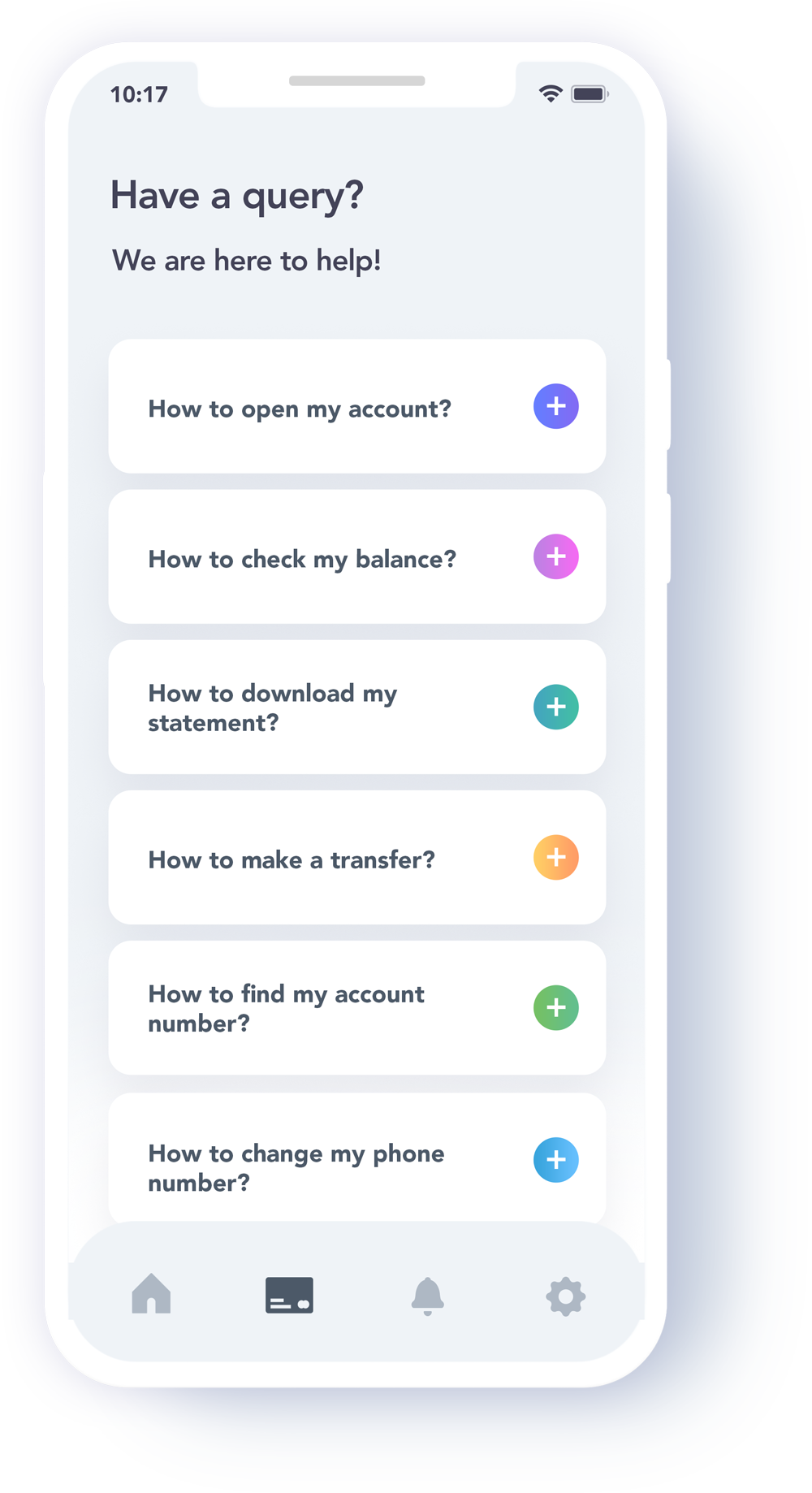
To open an account, click here and follow the instructions.
Your balance will display as soon as you login to your account.
Statements can be downloaded through the ‘Statement’ tab in the portal.
To make a transfer, click on the ‘Transfer’ tab, select the currency, enter the payee’s details, the amount and then submit.
How to find my account number or IBAN? +
Once logged into your account, you can find your account details within the ‘My Profile’ tab.
How to change my phone number, address, or other personal information? +
First login to your account, then go to ‘My Profile’ where you can make changes to your personal information.
How to make a complaint?
+
We aim to constantly improve our service, so we welcome complaints. Just message our dedicated customer service team through the web chat, and we’ll do everything we can to set things right – as well as making sure we never make the same mistake twice!
How to contact On314? +
Our Customer Support Team can be contacted through the web chat facility on this site.